
Bot, checkout, and app roles
| Route | Best for | What it does not do |
|---|---|---|
| Official Telegram bot | Trial and guided purchase | Does not create the device VPN connection |
| Website checkout | Buying a code in a browser | Does not replace the installed client |
| BratVPN app | Connecting on a supported device | Does not process every support request |
Three separate roles
BratVPN has three public parts that people sometimes combine in conversation. The official Telegram bot can provide the current 24-hour trial and guide a purchase journey. Website checkout can sell an activation code in a browser. The installed iOS, Android, macOS, or Windows app accepts the code and creates the VPN connection. Only the installed client controls the tunnel on the device.
Keeping these roles separate makes problems easier to solve. A bot that cannot load is a messaging or network issue, not proof that an already activated VPN client cannot connect. A completed website purchase does not create a tunnel until the code is entered in the app. An app connection error does not mean a payment should be repeated. Identify the stage before taking another action.
What the Telegram bot does
The official trial and purchase bot can issue the current 24-hour trial code and help a user begin without entering a card for that trial. Verify the username through brat-vpn.com before sharing any information. A bot should not ask for an email password, banking password, two-factor code, seed phrase, private key, or full card number. Keep the activation code out of public groups and screenshots.
The trial is useful for checking the official app on your own device and network before buying. It does not guarantee that Telegram itself is reachable on every provider. Save /downloads/ and [email protected] as alternatives. The support bot has a different purpose from the trial and purchase bot, so confirm which official channel you opened before describing a problem.
What the installed app does
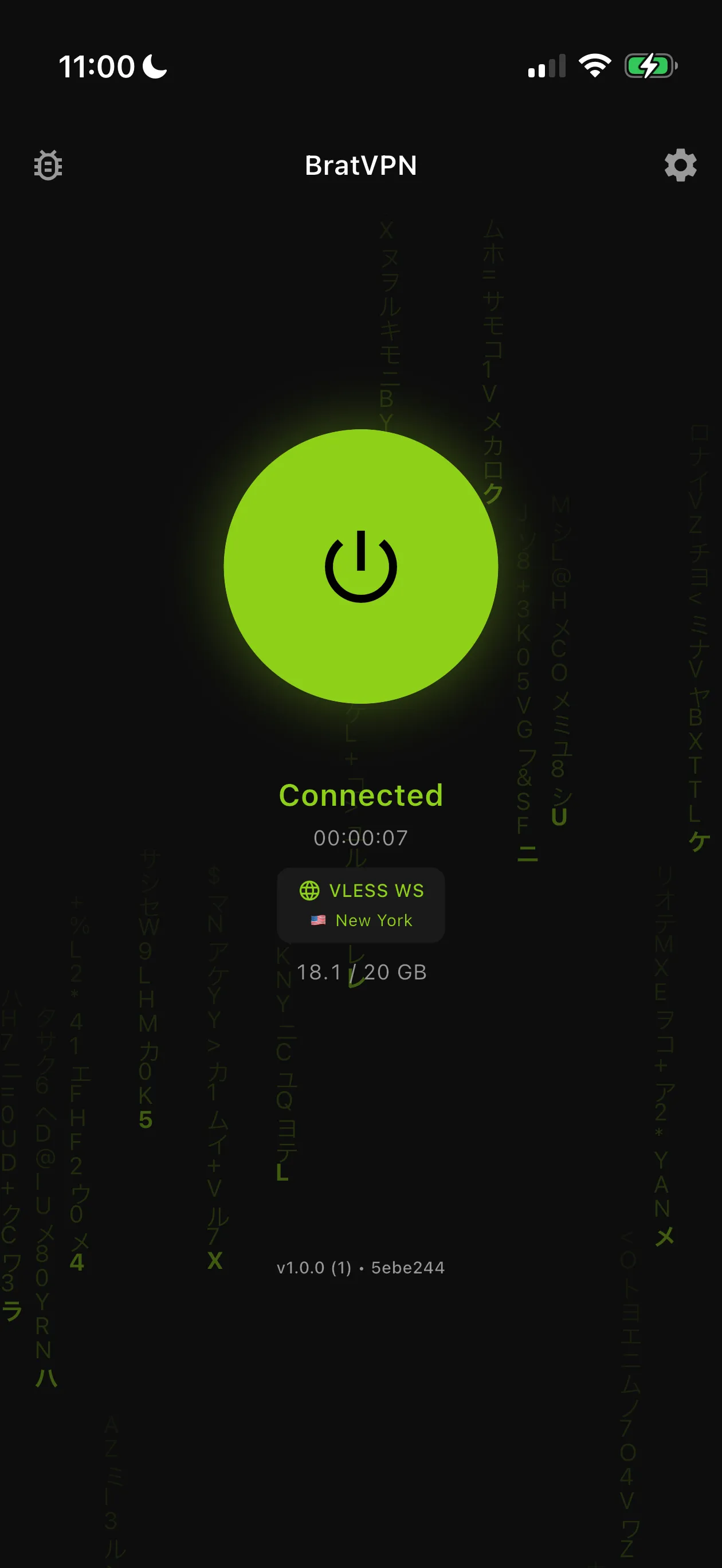
The BratVPN app creates the encrypted connection after you install it from an official source, enter a valid code, and approve the operating system's VPN configuration. Once activation is complete, Telegram does not need to remain open for the tunnel to run, subject to any current account access requirements. The app reports connection state and provides the platform-specific controls available in that build.
Use /downloads/ for App Store, Google Play, and official desktop sources. Avoid APKs, profiles, or installers shared through unrelated chats. If the app does not accept a code, check for extra spaces and confirm the code is current before contacting support. Do not send the complete code publicly. Platform, app version, approximate time, and visible error usually provide a safer starting point.
When website checkout is useful
Website checkout is an alternative when you prefer to buy in a browser or Telegram is inconvenient. Open /buy/ directly from the official site, choose the available plan and payment route, and wait for confirmation before closing the result page. Payment handling depends on locale and provider availability. The checkout should show the current options rather than relying on a guide to promise a specific method everywhere.
After a confirmed purchase, save the activation code privately and enter it in BratVPN. Do not repeat payment because activation is delayed or the app is offline. Preserve the non-secret order context and approximate time, then use the private support channel. A checkout page issues access; it does not replace installation, the system VPN permission, or the connection check on the device.
If Telegram is unavailable
Use the official website and email rather than searching for a substitute bot. The downloads page remains the directory for current apps, while /buy/ is the English browser purchase route. If you already have an activated client, test whether the app connects independently. A messaging outage and a VPN tunnel failure are separate observations and may require different support information.
BratVPN cannot promise that any bot or service is reachable on every network. Compare one other trusted connection when possible. If Telegram alone fails, contact support by email with the platform, network type, and time. If the app also fails, include its version and exact visible error. Never send message history, account credentials, or complete activation codes to prove the problem.
Keep codes and account details private
Treat an activation code as access information. Store it somewhere private, avoid displaying it during screen sharing, and crop it from screenshots. Official support does not need your email password, Telegram sign-in code, bank password, full card number, wallet key, or seed phrase. When recovering a purchase, use the private channel and provide only the limited order context that support requests.
Check domains and bot usernames each time a message creates urgency around payment or account access. Scammers can copy logos and public wording. Open brat-vpn.com manually instead of following a shortened link. If you disclosed a password or financial secret to an untrusted account, secure the affected service from a trusted device and contact its official provider. A VPN cannot reverse credentials already shared.
Frequently asked questions
Can I use BratVPN without keeping Telegram open?
Yes. After a current code is entered in the installed app, the client creates the VPN connection subject to any current account access requirements.
Is the support bot the same as the trial and purchase bot?
No. The official purchase bot handles the trial and guided customer journey, while the official support bot handles help. Verify each purpose through the website.
Can I buy on the website instead?
Yes. Use /buy/ for the official English checkout. Available payment handling depends on locale and the provider options currently shown there.