Buy BratVPN
Choose a plan, get a code, and use BratVPN on your phone or computer.
Pay by card, SBP, or crypto.
Pick a plan, complete payment, and activate your code in the official BratVPN app.
What the code includes
A simple purchase path, official BratVPN apps, and recovery options if the network or payment page misbehaves.
Private access
Use one activation code in the supported BratVPN apps. No browser extension detours or random mirrors.
Payment privacy
BratVPN does not receive full card numbers, bank credentials, or wallet private keys.
Order recovery
We email your activation code after payment. You can also link Telegram to keep the code with your account.
Official support
Support is available by email and Telegram for setup, payment, and activation questions.
Locations inside the app
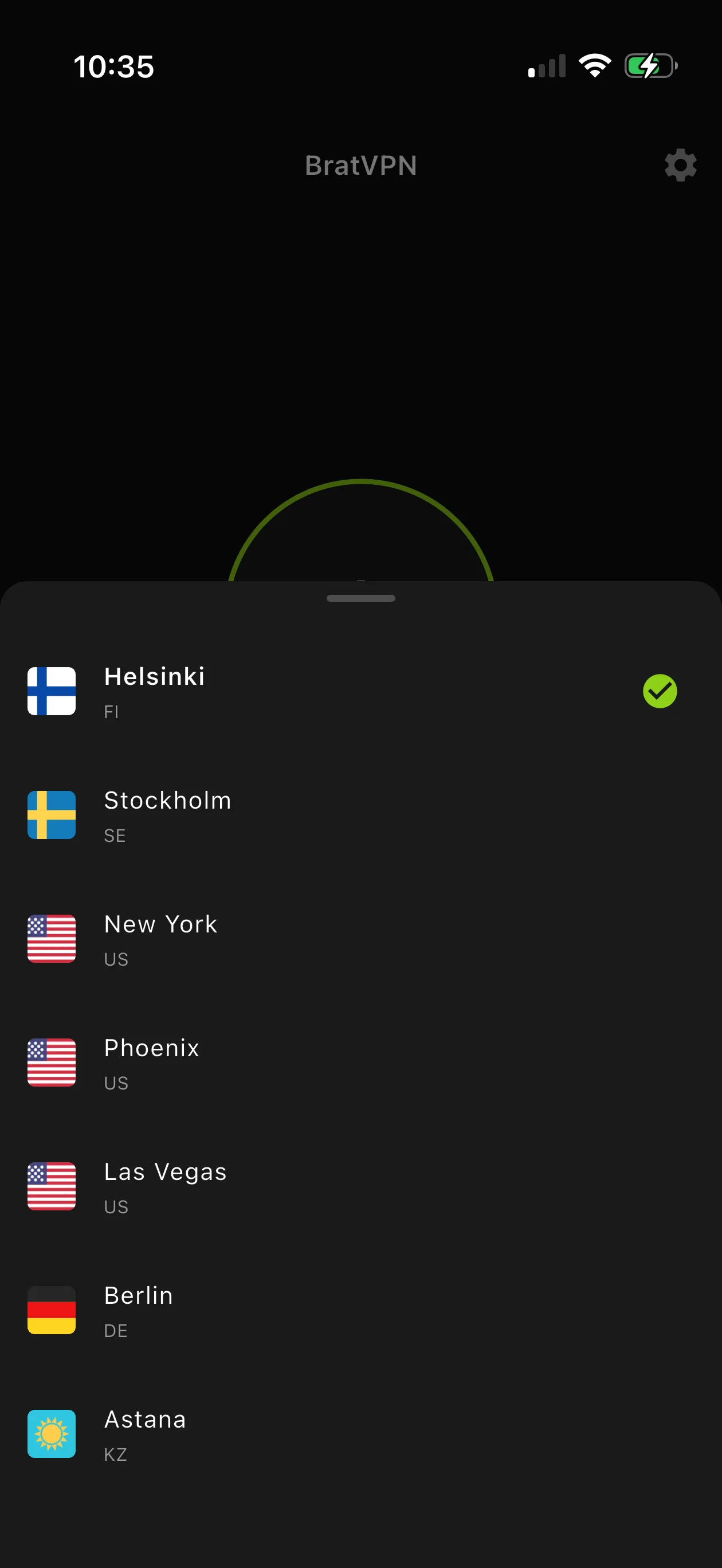
Pick a location in the BratVPN app. Available options may change, so the app always shows the current list.
A cleaner way to buy VPN access
Not every VPN purchase path works well for international audience, desktop users, or people who need recovery after payment.
| Feature | BratVPN | App-store only | Free proxy | Self-hosted |
|---|---|---|---|---|
| Payment methods | Cards, SBP, crypto | Store billing | Rare | Manual |
| 24-hour test | Official bot | Varies | Usually no | Manual |
| Order recovery | Email or Telegram | Store receipt | Limited | You handle it |
| Official apps | iOS, Android, macOS, Windows | Mostly mobile | Browser or app | Varies |
| No browsing logs | Stated policy | Varies | Often unclear | You control server |
| Local services | Smart routing | Manual switching | Unpredictable | Manual rules |
Before payment
Can I pay with Visa or Mastercard?
Yes. We accept all major payment methods: Visa, Mastercard, Russian cards, SBP, and crypto.
Do I need Telegram to buy?
No. Telegram is useful for a test code and support, but the app can be used without Telegram sign-in.
Where does the code work?
Use the code in the official BratVPN apps for Android, iOS, macOS, or Windows.
What if the code does not appear?
The payment status page checks your order automatically and shows the code after confirmation. Check your inbox and spam folder.