
What you need before setup
Start with a supported iPhone, iPad, Android device, Mac, or Windows computer and a network that can load ordinary HTTPS pages. Open the BratVPN downloads page yourself or from a saved bookmark. That page points to the current official mobile listings and desktop files, which helps you avoid lookalike apps, copied installers, and profiles shared through untrusted chats.
You also need an activation code. The official Telegram bot can issue the current 24-hour trial, or you can buy access through the website and use the code provided after a confirmed purchase. Keep the code private. If you expect to use support, save [email protected] before travelling or joining a restricted network where your normal messaging channel may be unreliable.
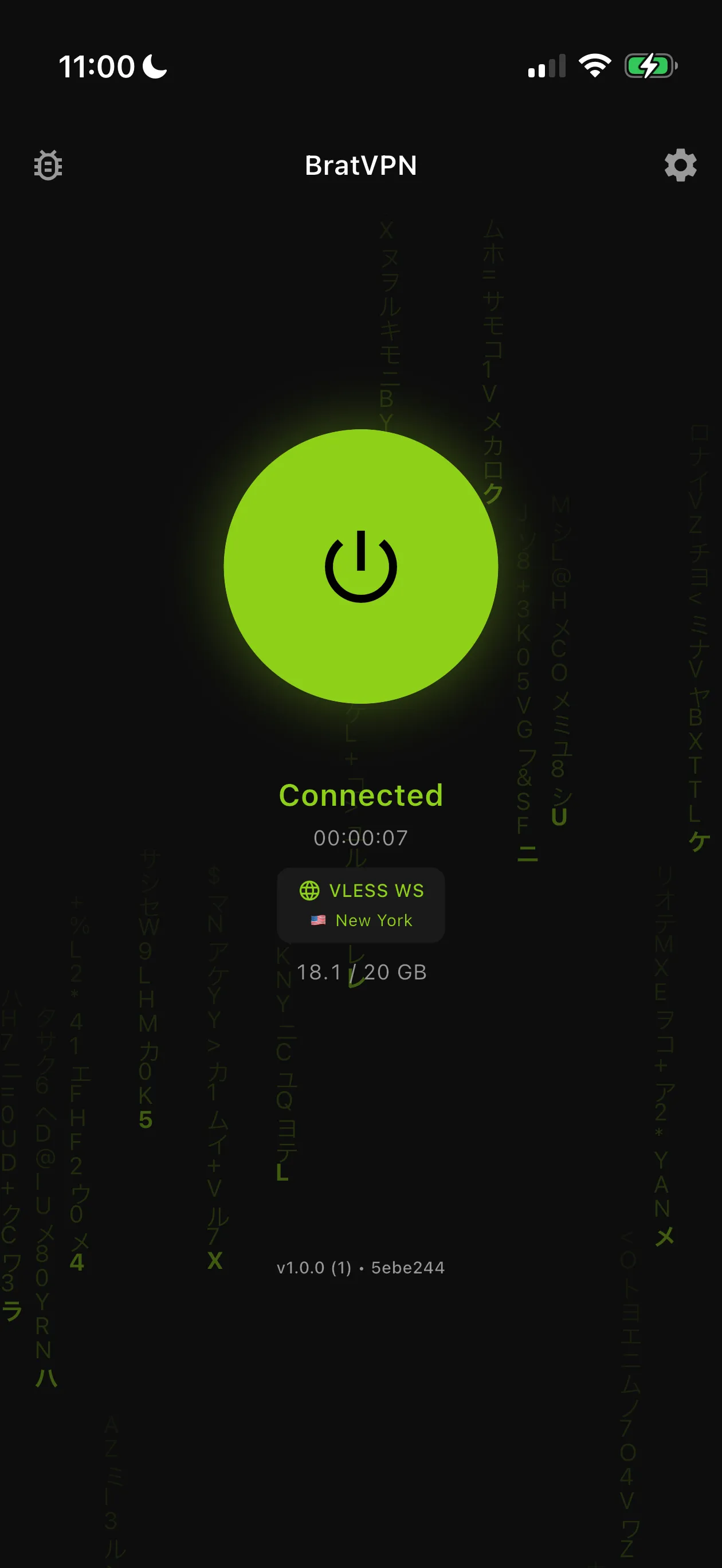
Set up BratVPN step by step
Install first, then activate, approve the system VPN request, and verify the result. The exact permission wording differs by platform because the operating system owns the network profile. A request to add a VPN configuration is expected when it comes from the official BratVPN app during setup. Stop if a random website or unrelated app asks you to install a management profile.
Enter the activation code exactly as issued, without adding spaces before or after it. If a pasted code is rejected, compare the visible characters and confirm that the subscription is current before retrying. Do not post the full code in a public support chat or screenshot. Support can begin with the platform, app version, purchase route, approximate time, and the non-secret error text.
- 1Open /downloads/ and select the correct operating system.
- 2Install BratVPN from the App Store, Google Play, or the official desktop download.
- 3Get a 24-hour trial code from the official Telegram bot or buy an activation code on the website.
- 4Open BratVPN and enter the activation code exactly as issued.
- 5Approve the operating system request to add or start a VPN configuration.
- 6Connect, then open two familiar HTTPS sites or apps to confirm normal loading.
- 7Repeat the check on a second network if the first network is unstable.
How to verify the connection
Wait for BratVPN to show an active connection before judging the setup. Open two familiar services that normally work on the same device, preferably ordinary HTTPS pages that do not contain sensitive data. Checking more than one destination helps separate a site-specific problem from a general connection failure. A single page may be offline, rate-limited, or affected by its own account rules.
Repeat the test on a second trusted network if possible. For a phone, compare Wi-Fi and mobile data. For a laptop, compare the current network with a known home connection or a phone hotspot you control. Results can differ because captive portals, workplace policy, routers, and providers handle VPN traffic differently. A working second network is useful evidence, not proof that the first network has a specific cause.
Common setup problems
If the app does not connect, first close and reopen it, confirm automatic date and time, and disable another active VPN or proxy. On hotel, airport, and café Wi-Fi, finish the network's sign-in page before starting BratVPN. If the portal does not appear, disconnect and rejoin the network, then open a plain browser page to trigger it. Reject unexpected certificate warnings or software downloads.
If activation fails, avoid buying repeatedly. Check whether the code was entered accurately and whether a purchase was confirmed. Preserve a receipt or order reference privately, but remove personal and payment details from screenshots. Contact support when the same clear error survives an app restart and a network change. Describe whether it happens before connection, while connecting, or after the app reports success.
Privacy and system permissions
The VPN permission allows BratVPN to create the encrypted tunnel on the device. Approve it only in the official app and use the operating system's settings to inspect installed VPN profiles. A VPN does not make every website trustworthy. Keep your browser and operating system updated, use two-factor authentication, and pay attention to the domain before entering a password or payment information.
BratVPN's privacy policy describes which diagnostic and service data may be processed and states that browsing history, DNS queries, source IP addresses, connection timestamps, and VPN session duration are not logged. The website does not claim a completed independent no-log audit. Read the current policy and terms when the details affect your decision, especially before using the app on a managed work or school device.
When to contact support
Ask for help when the official app cannot be installed, a current code is consistently rejected, the system permission never appears, or connections fail on more than one network. Send the device type, operating-system version, BratVPN version, network type, approximate time, and exact visible error. A screenshot is useful after you remove notifications, names, email addresses, codes, and other personal information.
Do not send passwords, full activation codes, full card numbers, wallet keys, seed phrases, or private work data. If Telegram is unavailable, email remains the fallback. Explain the checks you already performed so support does not ask you to repeat them. Once the connection works, save the official downloads page and return to the public Wi-Fi or smart routing guide for the next practical task.
Frequently asked questions
Can I use one activation code on supported devices?
The code works in supported BratVPN clients subject to the current subscription and device terms. Use /downloads/ for official clients and /legal/terms-of-service/ for the current terms.
Why does my phone ask to add a VPN configuration?
The operating-system permission lets the official app create the encrypted VPN tunnel. Approve it only while setting up BratVPN from an official source.
Do I need to pay before testing BratVPN?
The official Telegram bot offers a current 24-hour trial. Availability can depend on the network, so keep the downloads page and support email as alternatives.