Identify the failure
Describe the point where the journey stops. Installation, activation, starting the tunnel, loading a specific service, and keeping the connection stable are different failures with different causes. Write down the exact visible message and time before changing anything. If the app reports a connection but one website fails, test a second familiar HTTPS destination before deciding that the whole VPN is unavailable.
Note whether the issue affects Wi-Fi, mobile data, or both. A hotel portal, home router, company policy, provider route, and expired code can look similar from a single failed attempt. Keep the device and app version available. Good diagnosis begins with a narrow observation, not repeated server changes or reinstalling several network tools at once.
Work through the checks in order
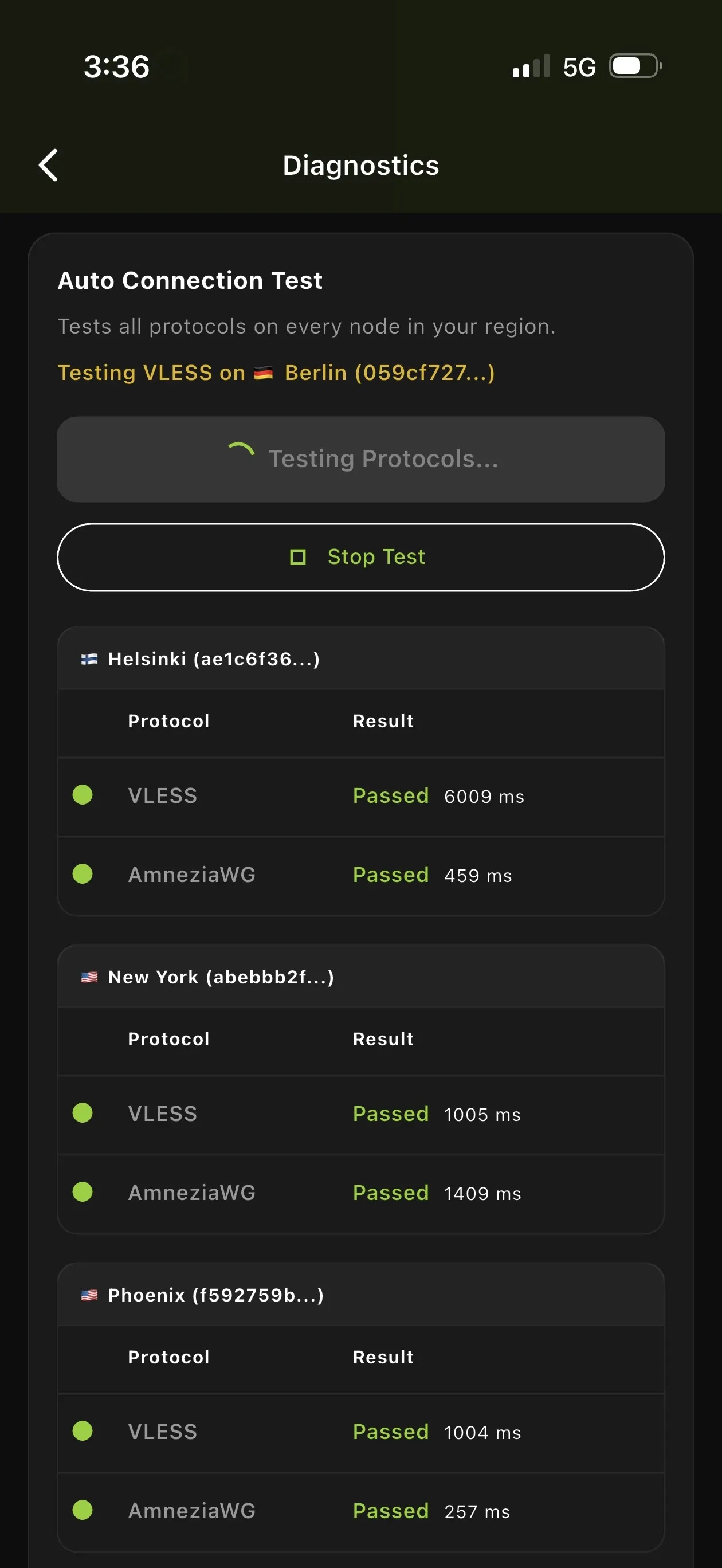
Confirm the activation state, fully close and reopen BratVPN, set date and time to automatic, and turn off another active VPN or proxy. Then test one other trusted network. Each step removes a common variable without deleting profiles or weakening security. Stop after the behavior changes so you know which condition mattered and can restore any normal setting carefully.
Avoid rapid retries. A repeated connection request can hide the original error, while a repeated payment can create duplicate charges. Take one screenshot after removing notifications and personal details. If a device restart and a second network produce the same failure, the saved error, version, and sequence give support a useful starting point.
- 1Record the visible error and whether the failure occurs before, during, or after connection.
- 2Confirm the activation code is current and entered without extra spaces.
- 3Fully close and reopen BratVPN, then retry once.
- 4Set device date and time to automatic and disable another active VPN or proxy.
- 5Try a different trusted network, such as mobile data instead of Wi-Fi.
- 6Restart the device if the same error remains.
- 7Contact support with platform, app version, network type, time, and a screenshot with personal data removed.
Activation-code problems
Paste the code once and check for spaces added at either end. Confirm that it belongs to BratVPN and is current under the applicable subscription or trial terms. Do not post the full code in a chat, ticket title, or public screenshot. If a purchase was confirmed but activation did not appear, preserve the private receipt and approximate time without attempting the same payment again.
Support can begin with the purchase route, platform, time, and non-secret error. Email used for recovery or an order reference should stay in the private support channel and outside analytics or public messages. A code issue does not normally require your card number, bank password, wallet key, or seed phrase. Anyone asking for those secrets is using the wrong recovery process.
Network and portal problems
On public Wi-Fi, disconnect the VPN long enough to finish the venue's captive portal, then reconnect BratVPN before opening sensitive services. Confirm the network name with staff and reject unexpected certificates or profiles. At home, restart the app before restarting network equipment and compare mobile data if available. A working second network points to a network-specific difference but does not identify its exact policy.
Some providers, schools, offices, and venues apply network rules that affect VPN connections. Do not attempt to bypass an employer or school policy. Record the network type and ask the owner when appropriate. BratVPN cannot guarantee access on every network. Support can investigate repeatable behavior when you provide the platform, app version, network type, and time without browsing content.
Conflicting software or policy
Another VPN, proxy, DNS filter, security suite, or device-management profile may control the same network path. Disable only software you recognize and are authorized to change. Never remove a corporate profile from a managed device for testing. If the conflict disappears when a personal network tool is paused, review which tool should remain active rather than running several overlapping controls.
Automatic date and time also matters because secure connections rely on valid certificates and time windows. Correct the system clock through the operating system instead of accepting a certificate warning. Keep BratVPN and the operating system updated from official sources. Avoid registry tweaks, unknown scripts, repackaged installers, or configuration profiles offered as a universal VPN repair.
What to send support
Send the platform, operating-system version, BratVPN version, network type, approximate time, exact error, and the ordered checks already completed. State whether another trusted network worked and whether the failure occurs before, during, or after connection. A cropped screenshot is useful if it contains the error and app state without names, notifications, account details, or a complete activation code.
Never send passwords, full card details, seed phrases, private keys, full activation codes, or confidential work content. Avoid including a full browsing history or unrelated logs. If the problem followed a purchase, do not keep retrying payment. Use the private support channel and provide only enough non-secret order context to locate the case. Email remains available when Telegram cannot be reached.
Frequently asked questions
Why does the VPN work on mobile data but not Wi-Fi?
The Wi-Fi may have a captive portal, policy, router setting, or different route. Finish the portal, test once more, and report the network-specific result without assuming the exact cause.
Should I keep retrying a payment when activation failed?
No. Avoid duplicate charges. Preserve the private receipt and contact support with the purchase route, approximate time, and non-secret order context.
What information should never be sent to support?
Do not send passwords, full card details, seed phrases, private keys, or complete activation codes in public messages. Remove personal data from screenshots.